 FloatPost
Quick Share (No Setup Required!)
Copy text on phone, paste on laptop. Upload file on PC, download on mobile. Free: 5MB/file, 1hr retention. Pro: 20MB, 24hrs. Team: 50MB, 7 days + alerts. No strings attached!
 FloatPost
Share Browser Tabs Instantly &
Sync Clipboard & Files
Across All Devices - No App Required
Easily view and share your tabs in any browser without installing anything. Plus get instant clipboard and file sync across all your devices.
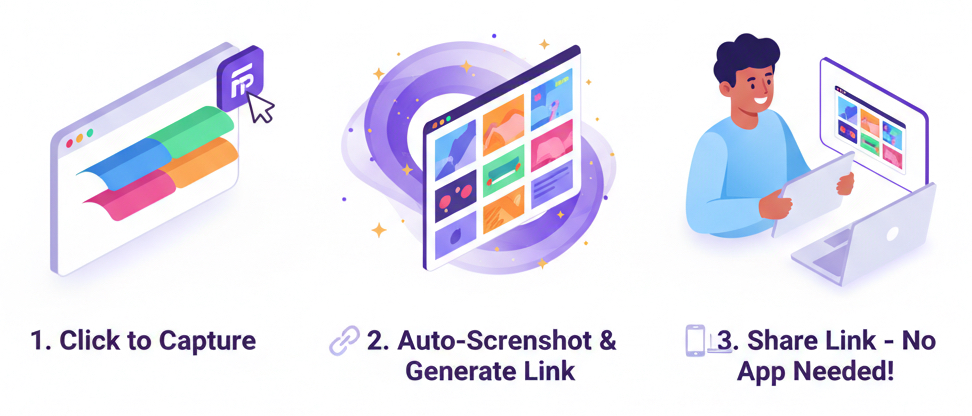
Capture & share browser tabs with screenshots - viewers need NO app, just click the link
Zero configuration. Copy/paste across devices. Share files instantly. That's it.
Copy text on phone, paste on laptop. Upload file on PC, download on mobile. Free: 5MB/file, 1hr retention. Pro: 20MB, 24hrs. Team: 50MB, 7 days + alerts. No strings attached!
Install the extension once, then capture all open tabs with automatic screenshots in seconds
Get a shareable link - anyone can view it in their browser without downloading or installing anything. Works on any device.
Recipients see screenshots of every page with clickable links - no app, no login, no hassle required
Sign in with email OTP to sync workspaces across all your devices (optional for Quick Share)
Access your saved workspaces from any browser or device with automatic device naming
Manage all your workspaces in one place with views, device info, and quick actions
Download as PDF, Markdown, or HTML for Notion, Obsidian, or documents
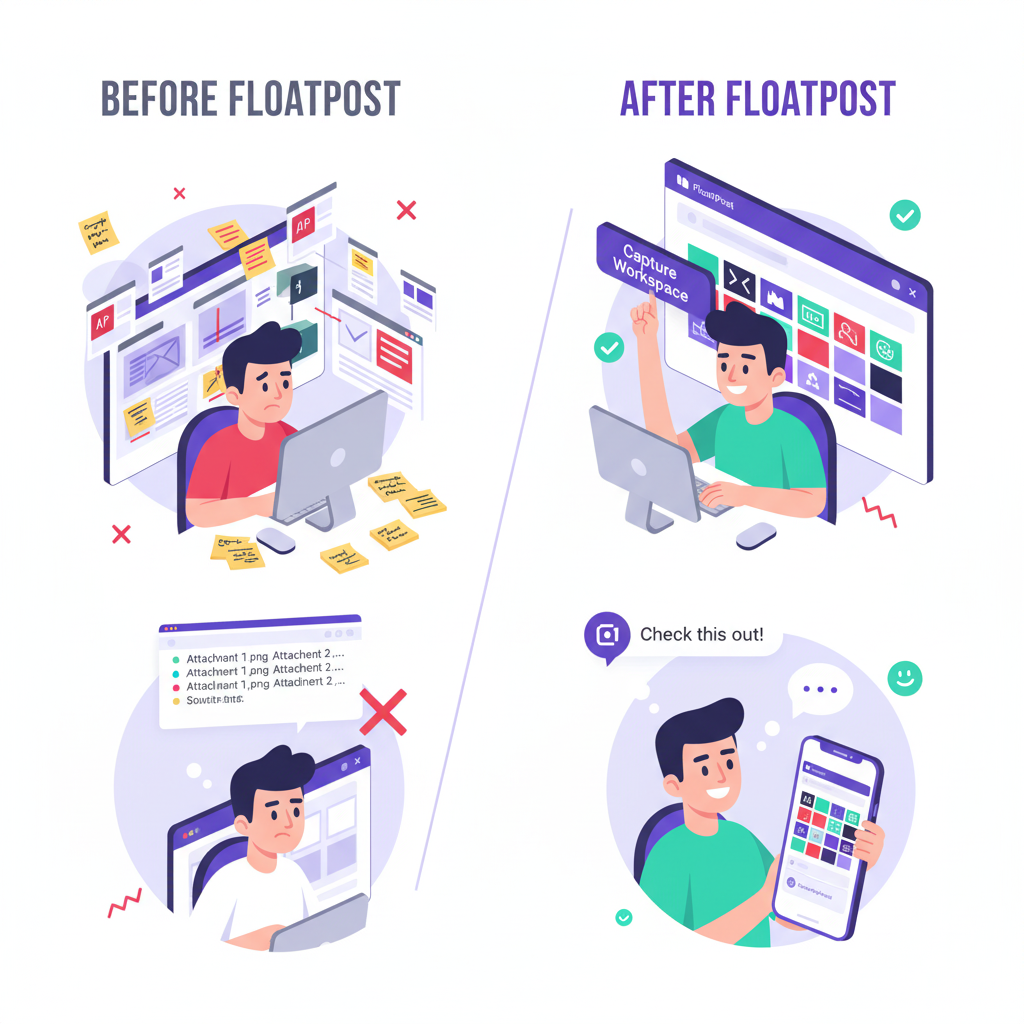
Your problem: You have 40 tabs open for your literature review and need to share
findings with your advisor.
Your solution: Capture all tabs with FloatPost, share the link. Your advisor clicks
it and sees everything in their browser - no app needed.
Your problem: You've collected 50 design inspiration examples and need to present
them to your client.
Your solution: Create a visual mood board from your tabs in 30 seconds. Client
opens the link on their phone or laptop - instantly.
Your problem: You researched a competitor and need to present findings
professionally.
Your solution: Share a clean FloatPost workspace that anyone can view in their
browser - no downloads, no PowerPoint.
Your problem: Your team is researching a new feature and everyone has different tabs
open.
Your solution: Create a shared workspace. Team members click the link and see
everything - from any device.
No hidden fees. Cancel anytime. Quick Share works on free tier!
Full featured tab capture + Quick Share for Windows, Mac, Linux
Install ExtensionQuick Share works on ANY browser - no extension needed! Visit floatpost.ai from any device.
Try Quick Share NowComing soon! Full Quick Share + tab viewing on mobile browsers.
We're launching soon!
You try the Workspaces and Quickshare for free and share your feedback in an email. We give you
exclusive access to the PRO plan free for 3 months!
The email used to send feedback will be enrolled for PRO plan!